Editing a node's Script
Every node has a Script property: the node's implementation, shown as editable JavaScript. Editing it changes what that node does — for that one node instance only.
Select a node and find Script under General in its Properties panel, then press Edit.
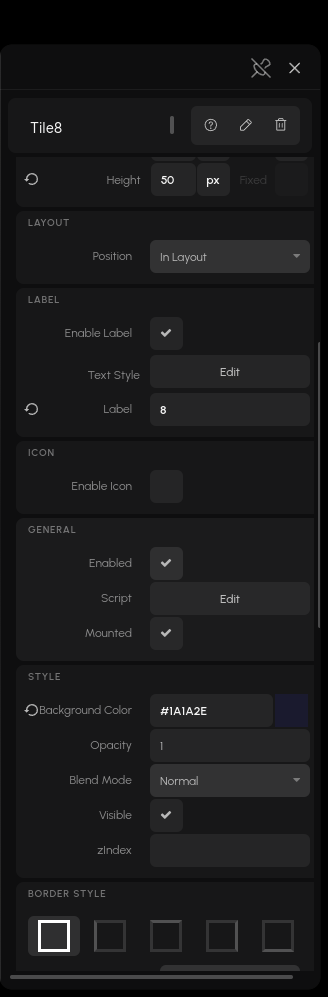
The code editor opens over the preview. What you see is the node's definition as source: its initialize, input setters, output getters and methods. Edit a function, and your version replaces it on that instance. Other copies of the node, and other projects, are untouched.
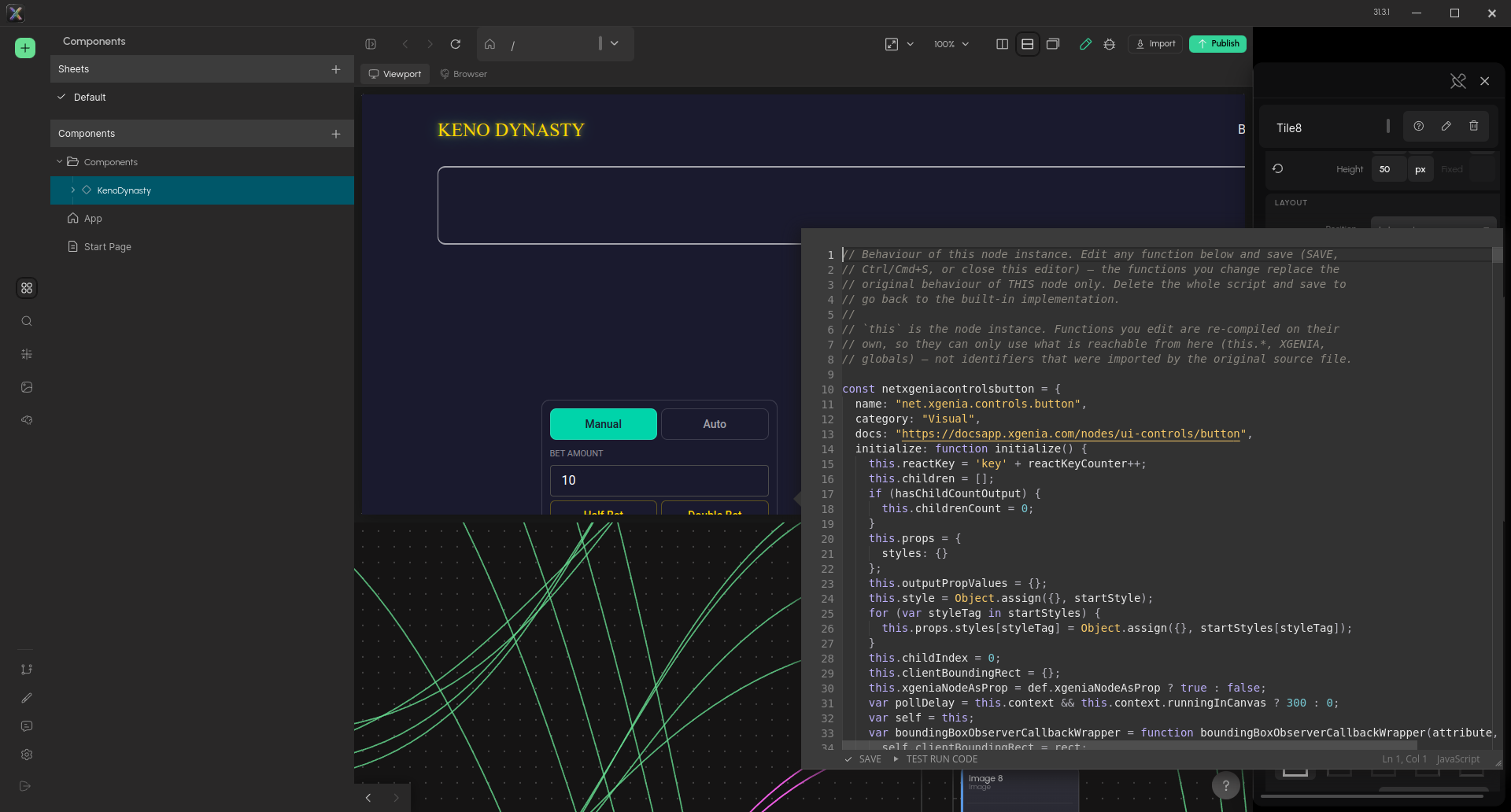
The Script editor. SAVE (or Ctrl+S) applies your changes; TEST RUN CODE runs them once. Closing the editor also saves.
To go back to the built-in behaviour, delete the whole script and save.
What you can override
| Can | initialize, input setters, output getters, methods. |
| Cannot | How a visual node draws itself — its React component and default CSS are not part of the script. |
So on a visual node you can change what its inputs do and what its outputs report, but not its rendering.
How your edits are applied
The editor compares your script to the built-in one function by function, and only swaps in the functions you actually changed. Practical consequences:
- Reformatting the script is not an edit — whitespace changes are ignored (template literals excepted).
- Untouched functions keep the original implementation. That's deliberate: the originals carry internal context your pasted-back source can't, so replacing them for no reason would break the node.
- Renaming a function counts as deleting one and adding another.
- Edited functions are compiled on their own, so they can only use what is reachable from the node (
this,XGENIA, globals) — not identifiers the original source file imported.
The Script property is part of the project — overrides travel with commits and ship with the app.
In a published game
Two differences from the editor:
- The whole script applies, guarded. Published bundles are minified, so per-function comparison isn't possible; your script is applied in full. Each overridden member is guarded — the first time one throws, that member permanently falls back to the built-in implementation and a console warning names the node.
- Server-side maths ignores overrides. A component deployed to RGS is generated from the node type, so a Script override inside a deployed Maths Component never reaches the server. If the behaviour must run on the backend, change the graph instead.
If an override silently does nothing
Declare the override inside the script rather than patching it on from other code — node methods live on a non-writable prototype, so an assignment from outside is ignored.