Maths Components
A Maths Component is an ordinary XGENIA component that lives under the editor's maths sheet. Deploy it, and the platform turns its node graph into a backend function with its own HTTP endpoint. Your published game then calls that endpoint instead of running the graph in the browser.
You author them in Maths RGS → Math Components — the familiar Components tree, locked to the maths sheet. Creating, renaming, duplicating, foldering and deleting work exactly as in the main Components panel.
The five-minute walkthrough on the overview page shows this whole page in motion: a component created in Local, previewed in Changed, deployed, then read back from Commits and Deployed.
The four tabs
The section is split by where a component lives:
| Tab | Shows | Dragging it into the graph |
|---|---|---|
| Local | Your working copies — everything you create and edit. | Places the local component. Its maths runs in the browser. |
| Deployed | A read-only mirror of what is actually on the platform, for the selected Server Version. | Places an Aggregator node that calls the live endpoint. |
| Changed | What a deploy would add, modify or delete (Local vs Deployed). | — |
| Commits | Deploy history for this game, expandable per file. | — |
Local components carry a status dot: green — matches the deployed copy; amber — has local changes; hollow — never deployed.
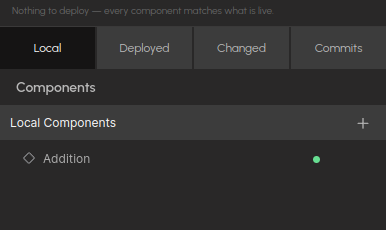
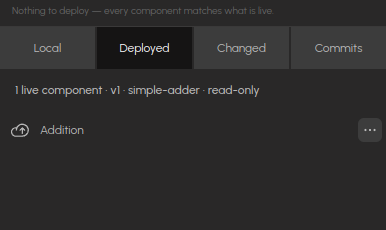
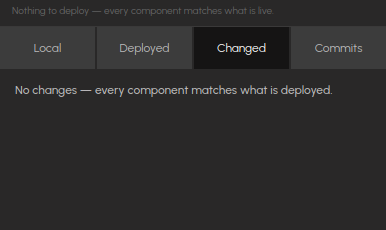
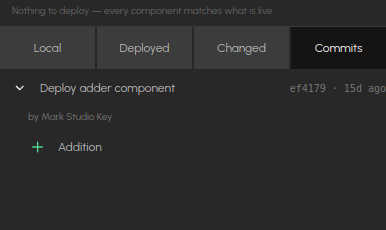
The four tabs for a game with one deployed component: Local shows the Addition component with a green dot; Deployed mirrors the live server version, read-only; Changed is empty because nothing differs; Commits lists the deploy that put it there, expanded to show the files it touched.
The two drags do different things on purpose. A component dragged from Deployed calls the live backend even in the editor preview — if it has a bet/win mapping, previewing it moves balances and records real rounds. To experiment safely, drag from Local.
Which nodes compile
A Maths Component compiles to a server-side evaluate(ctx) script, so it can only contain nodes the compiler knows how to express: the maths, slot, standard-library, collection and provably-fair nodes, JavaScript Function, the variable pair, and the Slot Features nodes (which embed the same shared maths the editor runs).
A node with no server-side implementation — Cascade The Reels, the Keno maths nodes, array utilities such as For Each — makes Deploy refuse the component when the node feeds the maths, and warn when it is present but wired to nothing. Move that logic to a compilable node (Directional Cascade replaces Cascade The Reels) or a JavaScript Function.
Server Versions
Components deploy into a Server Version, so create one first. Under Server Versions:
- + New version — creates an empty version and selects it.
- ↻ Refresh — re-reads the list.
- Click a version to make it the deploy target.
- Per version: rename, ↓ download the bundle, delete (with confirmation).
Deploying
With a game and Server Version selected, look at the Deploy target block. The button reads Deploy N changes when Local differs from Deployed, and Nothing to deploy — every component matches what is live when it does not. Press it, give a commit message, and for each new or modified component:
- Flatten — nested component instances are spliced into one graph. The component's own Inputs/Outputs gateways become the function's request and response.
- Generate — the graph is converted to the function's script, plus an example request and response.
- Deploy — the function goes live at
/rgs-fn/<game-slug>/<component-slug>. - Store the graph — the authored graph is uploaded too; it is what the Deployed and Changed tabs read back.
Unchanged components are skipped. A commit is recorded when the deploys succeed. If only the commit fails, the message says so — the functions are still live, only the history entry is missing.
Deletions deploy too. A component you removed locally is deleted from every version of the game — otherwise an older version's copy would silently take over the endpoint and keep serving old code.
Nesting and slugs
Filing components under a parent is organization, not composition. Every entry in the tree — parent or child — is its own component, deployed and counted separately. A sheet with 2 parents and 4 children deploys 6 functions.
A component's slug is its full path, slugified: Adder/Add with 5 becomes Adder_Add_with_5.
Renames and moves change the endpoint
The deployed side is keyed by slug, so renaming or refiling a component abandons the old endpoint and creates a new one. The old endpoint stays live with the old code. Publish repoints your frontend at the current endpoint — so republish after renaming.
The bet and win ports
Two stored values connect your component to round tracking: the bet input port and the win output port. The deploy derives them from your component's port names:
| Value | Rule |
|---|---|
| Bet input | An input port named betAmount (case-insensitive). |
| Win output | The first output port named, in order: win, winAmount, spinWinnings, totalPayout, totalWinnings. |
They are stored only as a pair. If your component has one but not the other, neither is stored and the deploy tells you — half a mapping records wrong data (a bet with no win books every round as a total loss).
A component with a betAmount port that is deployed without the bet mapping computes every call with a stake of zero — the backend has nowhere to read the stake from. The default maths template has exactly this port, so if the deploy warns about the mapping, fix the port names rather than ignoring it.
Inspecting what is deployed
On the Deployed tab, click a component to open the graph exactly as it runs on the platform — read-only, in the main area. Press Exit (top right) to return to your own graph.
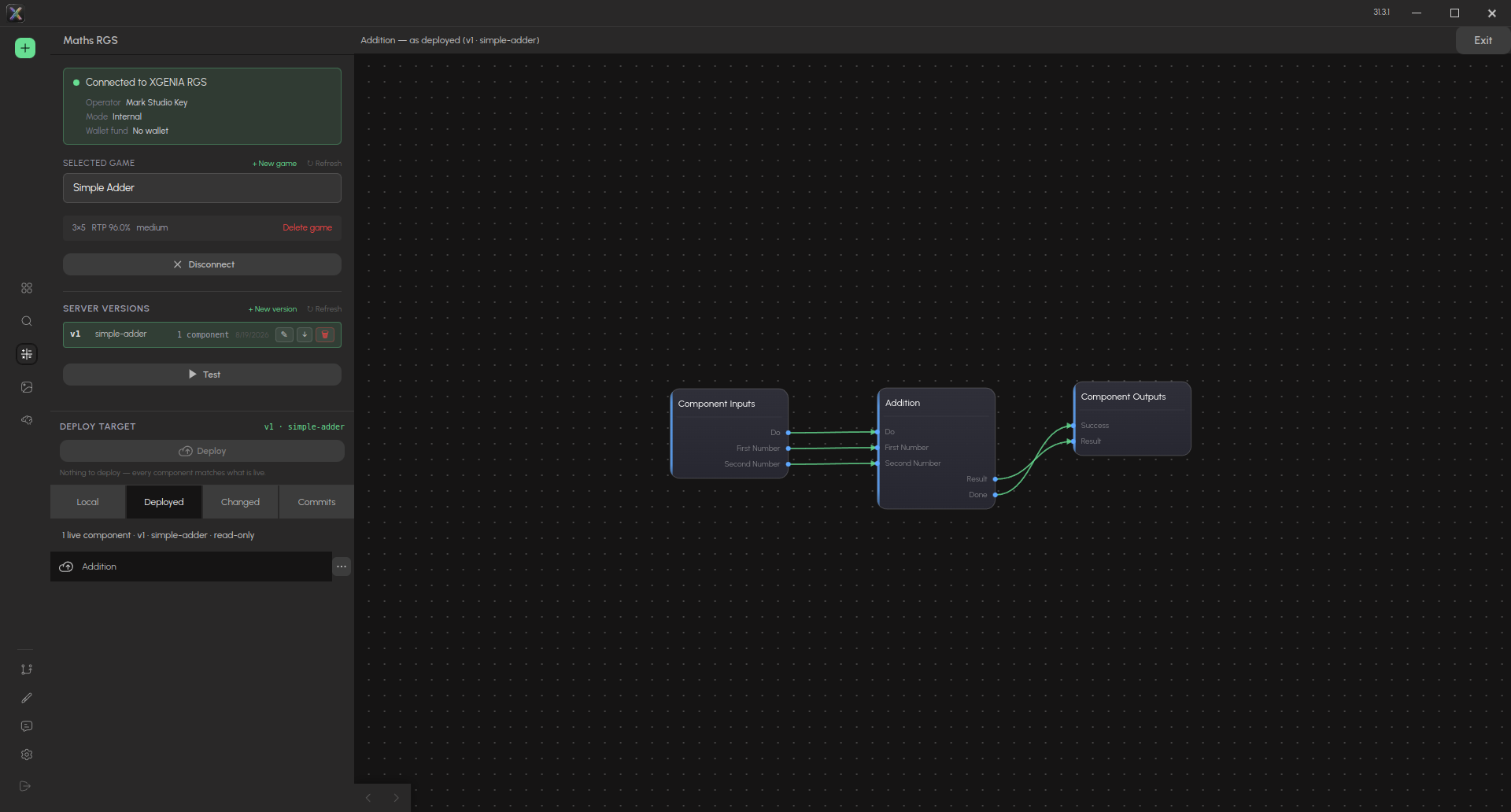
Addition — as deployed (v1 · simple-adder): the stored graph of the live function. It cannot be edited from here — edit the Local copy and deploy again.
The row's ⋯ menu holds the two things you can do with a live build:
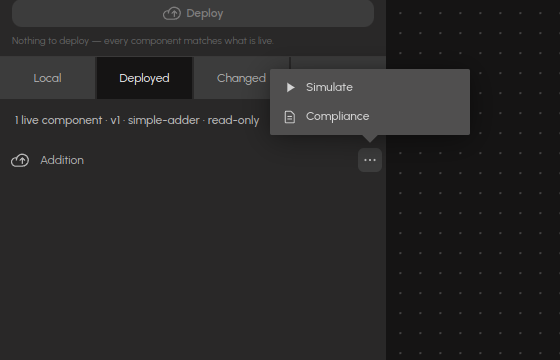
- Simulate — measure its RTP, hit frequency and volatility on the platform. See Testing and simulation.
- Compliance — generate the certification and compliance documents for this build. See Compliance documents.
Both act on the deployed artifact, never on your local copy: a working copy has no hash a laboratory could certify and no rounds anyone has played.
Signals across the HTTP boundary
Gateway ports take their type from what they connect to inside the component. That is how a Do port becomes a real signal input on the deployed function.
Signal outputs (Done, Success) map to the calling Aggregator's success output — the HTTP response arriving is the signal. A port named for failure maps to failure.
An Aggregator only calls its endpoint when one of its trigger inputs pulses. If nothing is wired to the trigger, the endpoint is live but the game never calls it — Publish warns when it finds one.